Open and edit MusicXML online
Clefside opens partwise MusicXML files in the browser. You can change the notes, listen to the score, and export it without an account or a score upload.
Open the MusicXML editor Download the sample MusicXML
Open, edit, and export a file
- Choose Import → MusicXML and select a partwise
.musicxml,.xml, or compressed.mxlfile. Try the sample for a single measure. - Read any import warnings before editing. Choose Select to change a note, or open Text score and select an event by name.
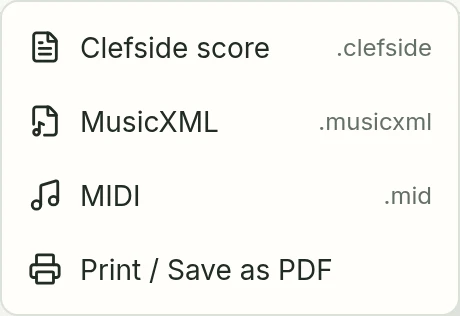
- Choose Export → MusicXML for a plain
.musicxmlfile. Choose Export → Clefside score to retain the whole Clefside project.
Check what transfers
Clefside imports supported notes, rests, voices, staves, instruments, signatures, and markings. It limits MusicXML files to 16 MB. Review imported scores that use repeat structures, grace notes, transposing parts, or complex tuplets, which are outside the current notation model. Retain the original file when transferring scores between editors.
Start with a PDF
To work from a printed or scanned score, open the PDF in Audiveris, export MusicXML, and import that file into Clefside. Check the recognized notes and rhythms against the original scan.
Working with a performance file? Turn MIDI into sheet music.