Write on the staff
Choose a duration, then click a staff to enter a note or rest. Shift-click to add chord pitches. Shape a phrase with dynamics, crescendos, diminuendos, articulations, ties and slurs.
Learn how to write, play, and print a score in Clefside. The browser editor is free and requires no account.
Start a score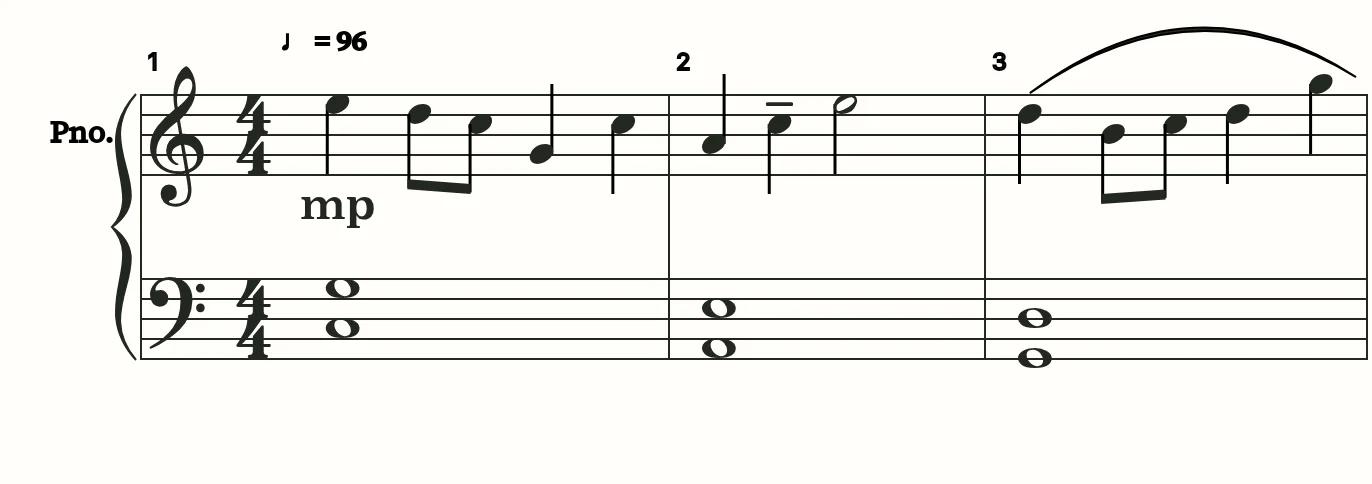
Choose a duration, then click a staff to enter a note or rest. Shift-click to add chord pitches. Shape a phrase with dynamics, crescendos, diminuendos, articulations, ties and slurs.
Add instruments and staves as the score grows. Set the key, meter, clef or tempo at a measure, then play back from the selected position.
Use Continuous view to work across measures. Switch to Pages for an A4 layout, then choose Print / Save as PDF from the Export menu.
Browse complete editable scores to try playback or study an arrangement.
Clefside keeps scores in browser storage on this device. Find them with the Saved scores button. Download a native score to save a version you can reopen from any device. The Import menu lists accepted file extensions.
Use treble and bass staves for two hands. Choose a second voice when independent rhythms share one staff.
Show staff notation, tablature, or both for guitar, bass, or ukulele. Add chord symbols above a melody for a lead sheet.
Add Drum kit to write hits on a percussion staff with instrument-specific noteheads and sampled playback.
Open the editor in a current JavaScript-enabled browser. Editing, playback and file conversion run on your device.
A staff is a set of five lines for writing notes. The clef tells you which pitches those lines stand for. Piano normally has two linked staves, an upper treble staff and a lower bass staff. A voice is an independent rhythm within one staff. Use a second voice when one note needs to stay held while other notes on the same staff move.
Use 1 through 9 to pick a duration, A through G for pitches and 0 for a rest. Use the Help menu for the full shortcut list.
Add guitar, bass, or ukulele to write on a tab staff with string and fret numbers. Add chord symbols above the melody for a lead sheet, or choose Drum kit to write hits for individual kit pieces.
Convert your PDF to MusicXML using the free Audiveris desktop app, then open the exported .mxl or .musicxml file in Clefside. Install Audiveris.
Partwise MusicXML transfers supported notes, voices, instruments, staves, signatures and markings. Clefside can simplify some notation and warns about known adjustments during import.