Print sheet music or save an A4 PDF
Clefside uses the Pages view for print layout. You can print to paper or use your browser’s print dialog to save a PDF for reading or sharing.
Preview the pages and print
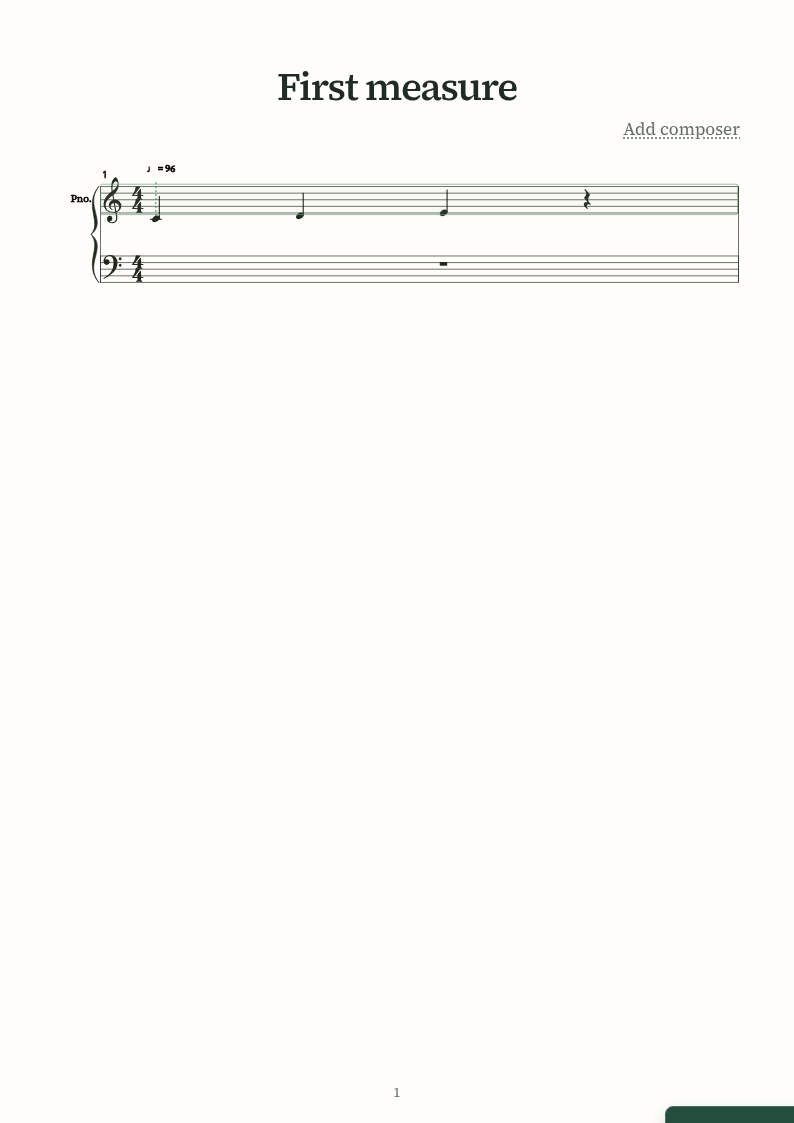
- Open the score and choose Pages above the workspace. Page layout uses A4 with 7 mm staves by default.
- Check the title, composer, and page breaks. Choose whether guitar parts show staff notation, tablature, or both before printing.
- Choose Export → Print / Save as PDF. Use A4 in the browser dialog, select your printer or Save as PDF, and verify the preview. If the browser adds URLs or dates, disable its headers and footers.
Keep an editable copy
A PDF is for reading or printing. Download a .clefside file to reopen the complete editable score. Use MusicXML when handing notation to another editor. For reading score details as text, use the Text score view.